1Track with one click
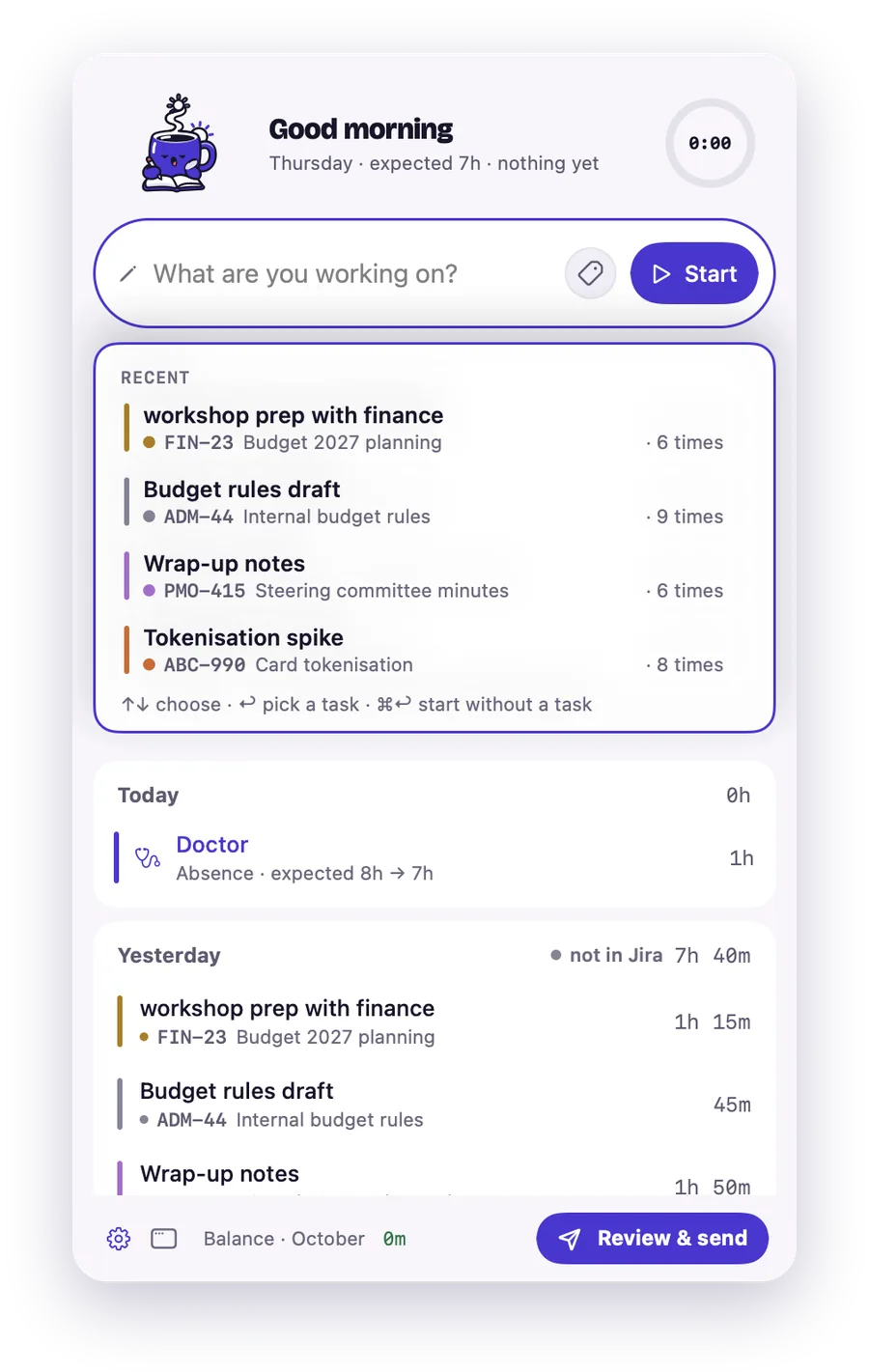
Press ⌥⌘T anywhere, type what you're doing, pick the Jira task — or start now and pick it later. Switching stops the last one.


No more 5 p.m. guesswork
A small Mac app in your menu bar. It keeps track of your day as it happens and turns it into tidy worklogs — checked by you before anything is sent.


Press ⌥⌘T anywhere, type what you're doing, pick the Jira task — or start now and pick it later. Switching stops the last one.
Forgot to switch after the stand-up? Drag the edge of a block. Split it, merge it, fill a gap with one click.


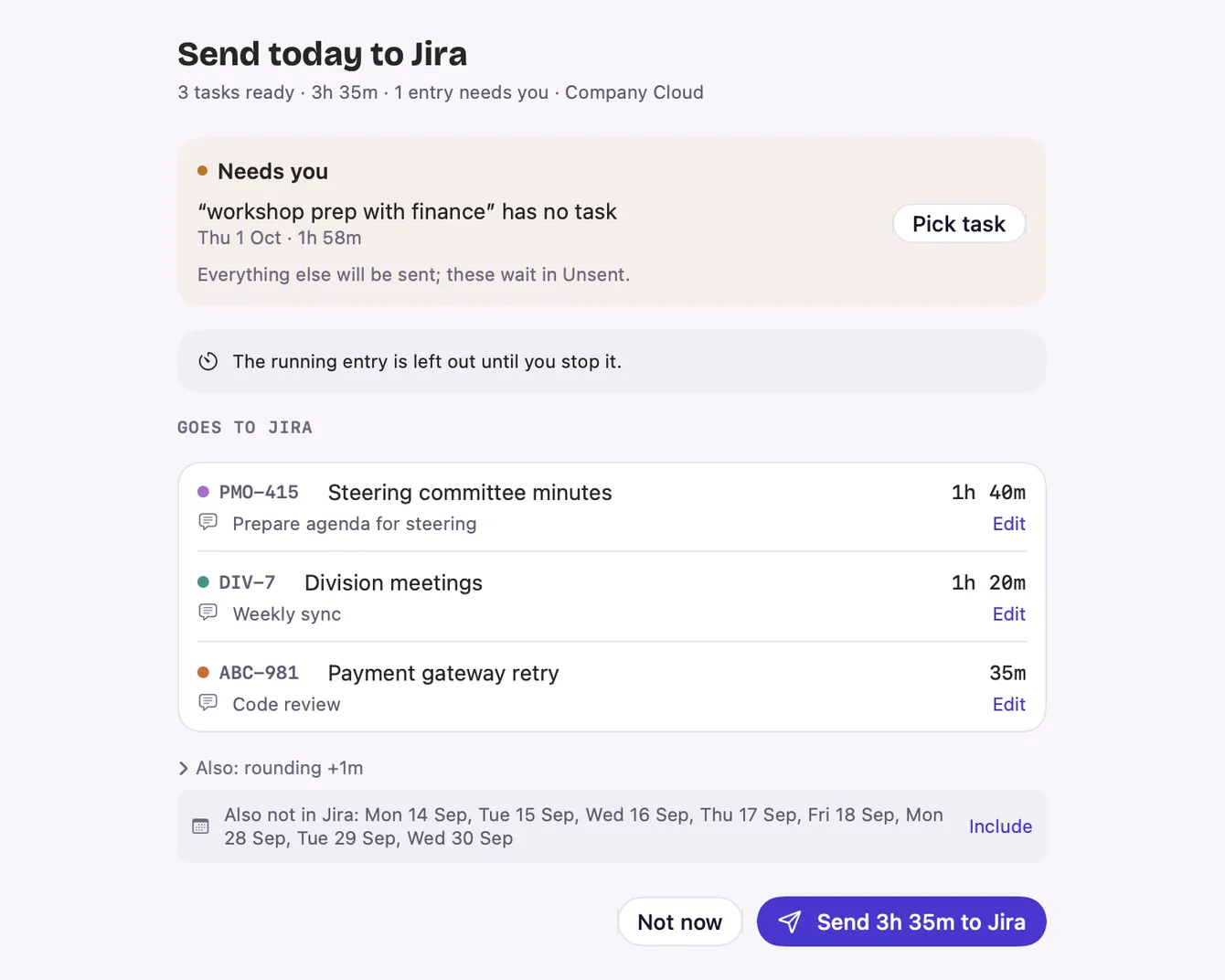
Nothing goes to Jira on its own. Review the day — one worklog per task — and send. Made a mistake? Undo.



Balance · October
+3h 25m overtime this month
Contract hours, workdays, holidays and absences — always balanced, always visible.




No server. No account. No telemetry. Encrypted on your Mac, open source for your IT team.
How tikjot handles your data →


Today's time and what's running.


Feels at home on your Mac — in English and Slovak.
Nothing. tikjot is free and open source.
No. You connect with your own API token (Cloud) or personal access token (Data Center). If your Data Center has no personal tokens and you sign in without single sign-on, your username and password work too.
tikjot writes standard Jira worklogs, and Tempo Timesheets picks them up. If your company requires Tempo work attributes (like Account) on every worklog, tikjot can't fill them in yet — ask your Tempo admin before you switch.
Use Undo right after sending, or simply fix the entry in tikjot — the change goes to Jira as an update next time you send.
No. tikjot is made for the Mac and wants to be a really good Mac app.
Yes. Tracking always works. Sending waits until Jira is reachable again.
On your Mac, encrypted. tikjot sends worklogs only to your Jira, and only when you press Send. Read the details.
No screenshots, no list of apps or websites, no keystrokes. It knows the time you track — and how long your Mac has been idle, only to ask if you forgot the timer.
How it works
One day with tikjot: start typing, come back from lunch, send Friday to Jira.

